Teach the web on the real thing.
Free for every student, teacher and school.
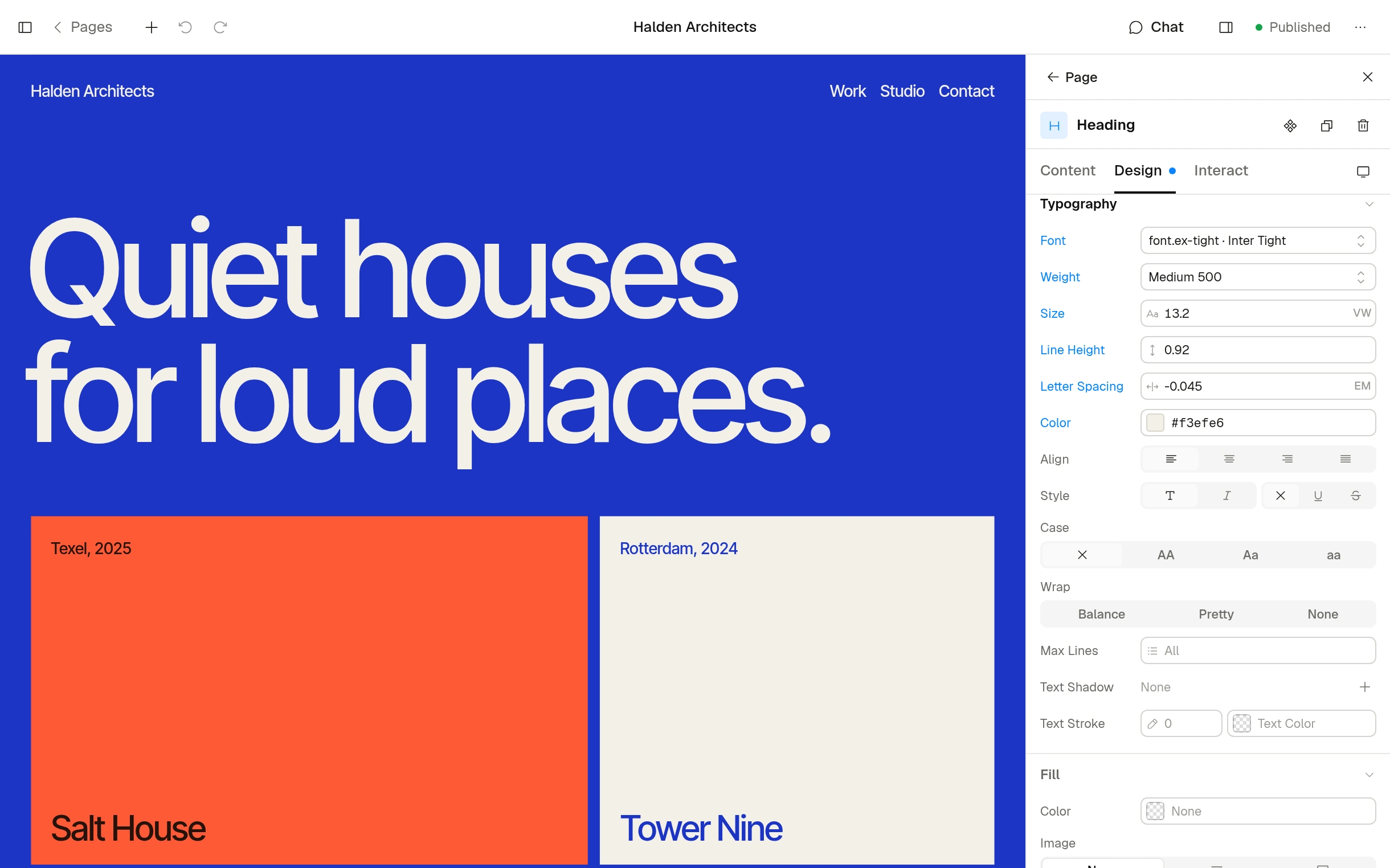
Six weeks, from blank page to published site.
Take it as is, or take what you need.
Week 1: A site on every laptop
PHP and SQLite are all it needs.
php cms serve and it runs. InstallationWeek 2: Type, colour and space
Build a design system of tokens, and watch one change run through every page. Design system
Week 3: Components and templates
Make a card once, reuse it, change it, and see why that matters. Components
Week 4: Model the content
A department, a course, a menu: define the fields, then bind pages to them. Collections
Week 5: Work with an agent
Connect an AI tool over MCP, ask for a page, then read every step it took. MCP
Week 6: Publish
Fix what the link check finds, build plain HTML and put it online. Static builds
Students hand in a folder.
Plain text you can read, diff and mark.
portfolio/
portfolio/
  config/
    site.yaml
    roles.yaml
  content/
    collections/
      pages/home.md
      pages/about.md
      projects/poster.md
      templates/page.md
      components/card.md
    design/tokens.json
What changed in tokens.json
   "color": {
-    "primary": { "$value": "#d9432a" },
+    "primary": { "$value": "#2456b8" },
     "surface": { "$value": "#fbf1e3" }
   },
   "space": {
-    "gutter": { "$value": "1rem" }
+    "gutter": { "$value": { "min": "1.25rem", "max": "2.5rem" } }
}Your AI client
Add the wine list to the home page, then publish it.
Signed in with OAuth as Anna
Done. It’s live, and the change is in the audit log.
Actions
entries.get
design.get
entries.update
entries.publish
Audit Log
Publish EntryHome
nowAnna VerhoevenAgent
Update EntryHome
nowAnna VerhoevenAgent
Update EntryGrilled turbot
2 hr. agoMarta LindqvistAdmin
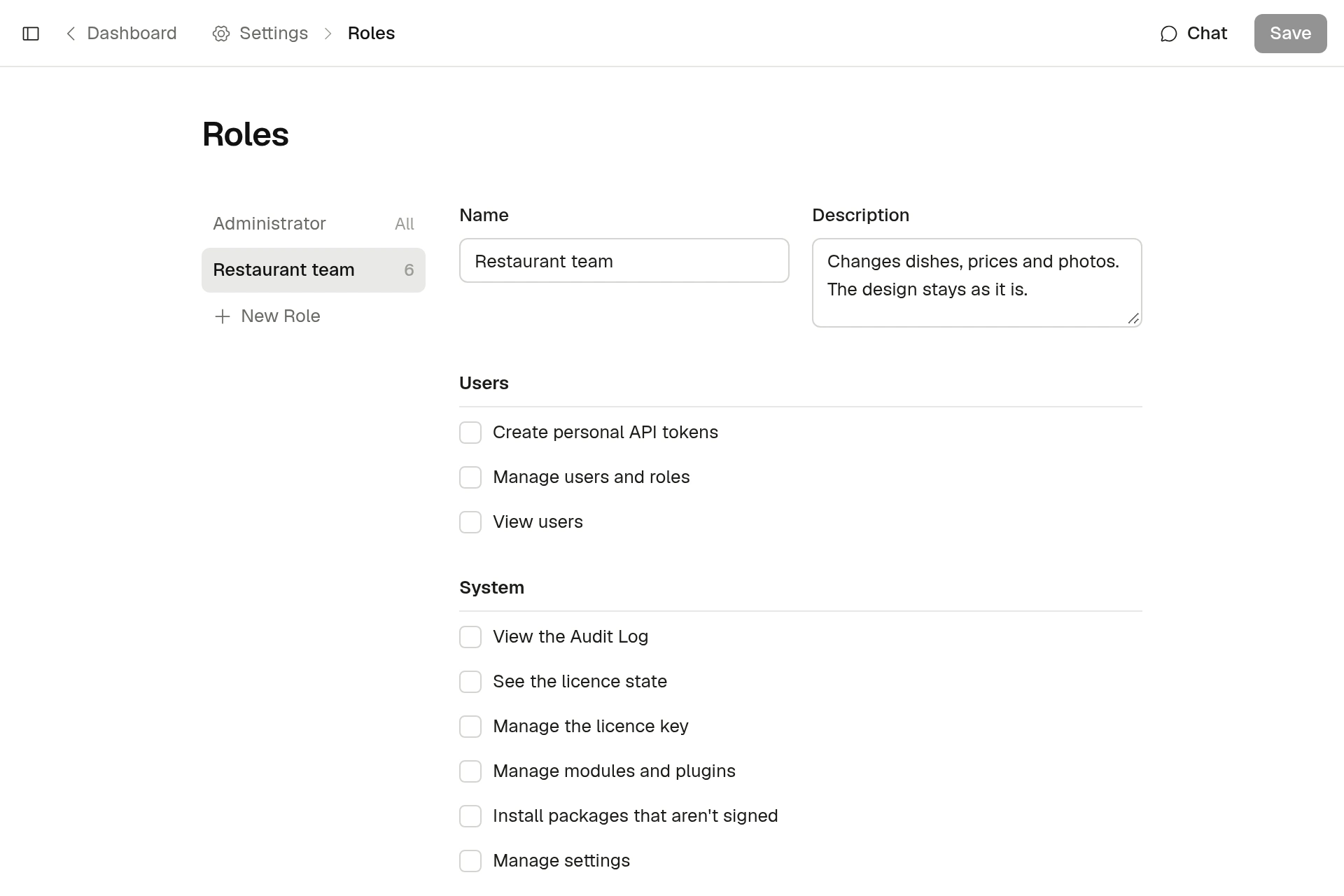
And the school’s own website.
Each team edits its own part.
Questions teachers ask.
Is it free for schools?
Yes. It’s MIT licensed: free for any use, on any number of sites.
Do students need a server?
No. PHP 8.4 on a laptop is enough. SQLite is built in, and
php cms serve starts a local site.Do we need to pay for AI?
No. Everything works without it. The assistant uses an Anthropic API key, and MCP connects whichever AI tool you already have.
Can students keep their work?
Yes. A site is a folder of plain files. It’s theirs to keep, move or put online.